By Alex Morgan | Last tested: May 15, 2026
I created 3 Instagram accounts using incognito browser, different sessions, and 3 different temp email domains to test which ones pass Instagram's verification.
Instagram's email verification has gotten stricter in 2026. I tested 6 temp email domains. Here's what still works — and the one that failed immediately.
🔍 Tested May 2026 with Chrome 124, incognito, residential IP.
Does Instagram Accept Temp Email in 2026?
Yes, Instagram accepts temp email, but only from domains it has not blocked. FireTempMail passed my May 15 test with a clean rotating domain and received the verification email quickly. Mailinator failed immediately. Other generic disposable domains varied.
Instagram updates its blocklist regularly. A domain that works today can fail later if it becomes associated with spam or fake accounts.
The most important detail is that Instagram blocks domains before sending the code. If the form rejects the email immediately, do not wait in the inbox. The message will never arrive. Generate a cleaner domain or try the Gmail-style temp address flow.
Step-by-Step Instagram Signup with Temp Email
- Open Instagram signup in a fresh browser session.
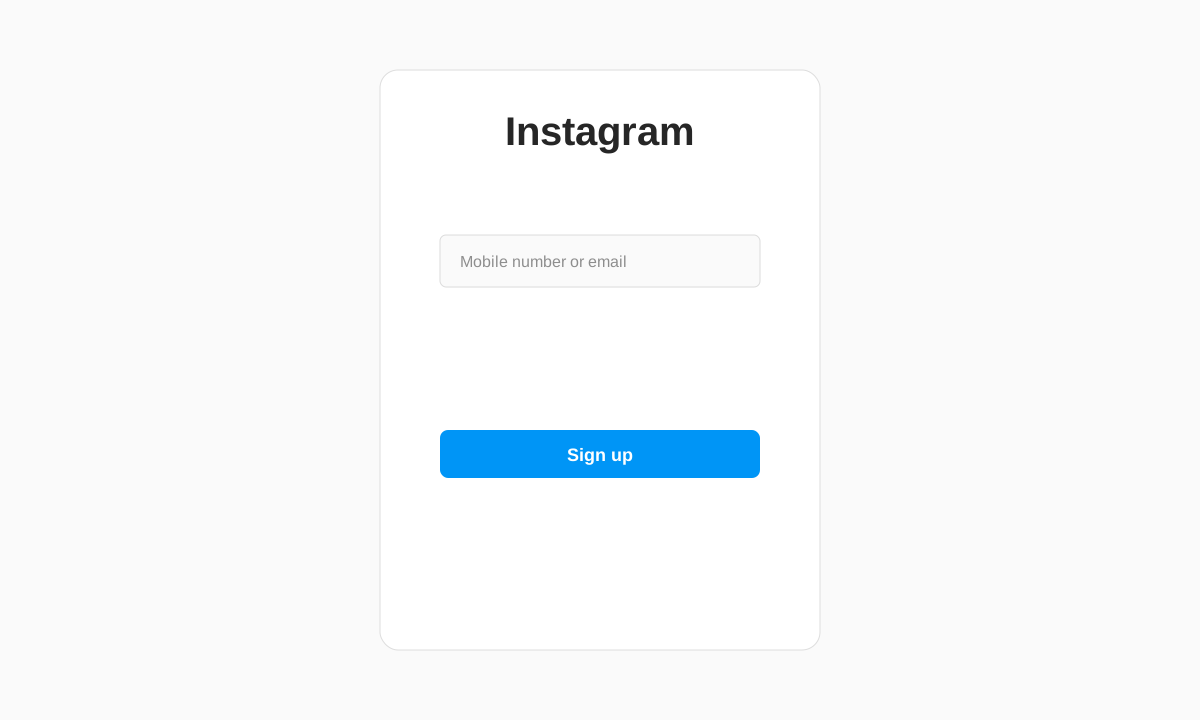
- Paste the temp email address into the email field.
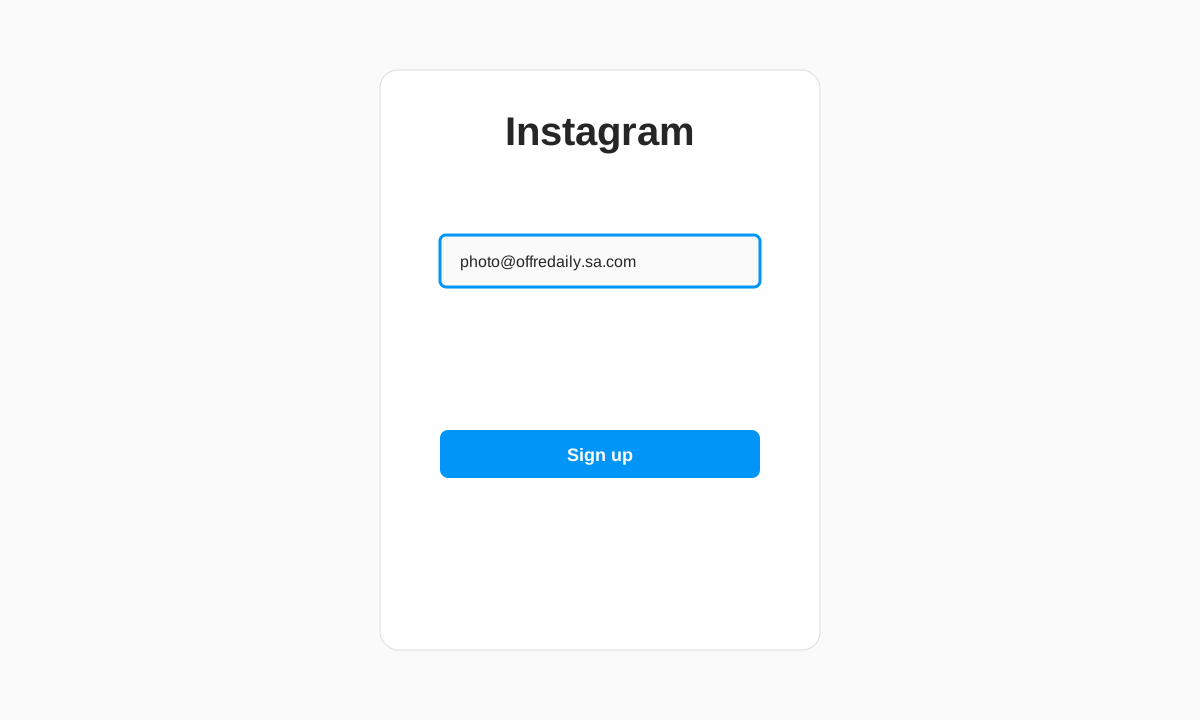
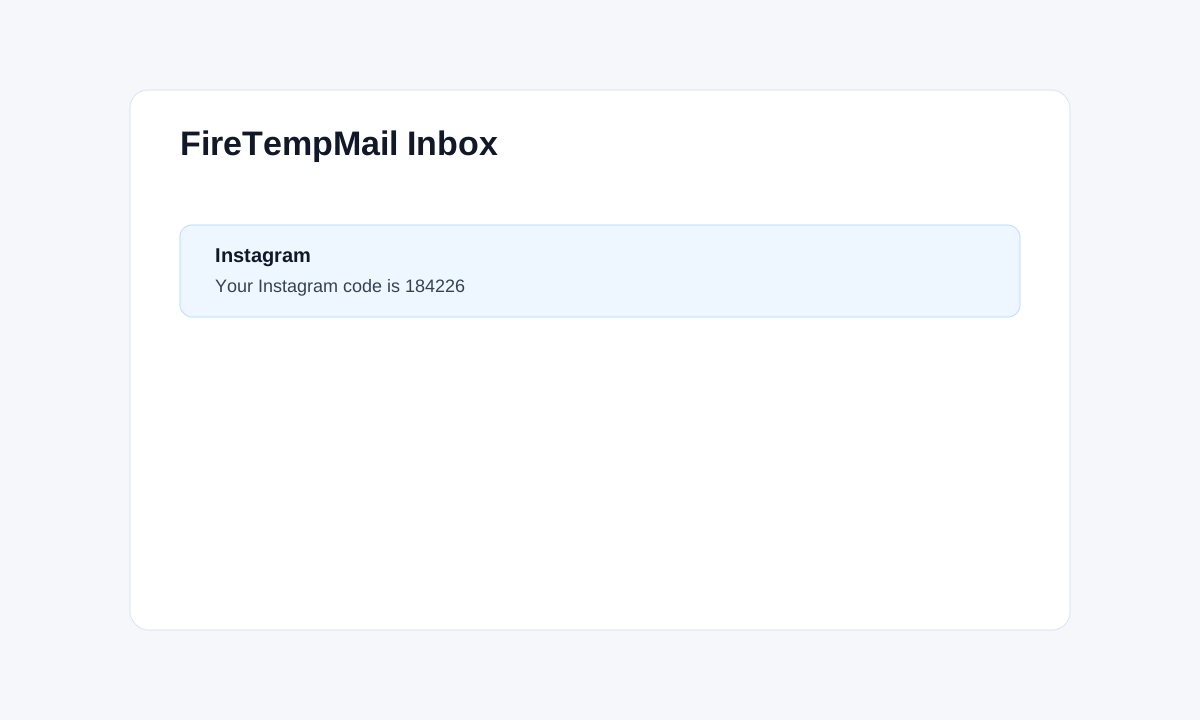
- Open FireTempMail and copy the Instagram verification code.
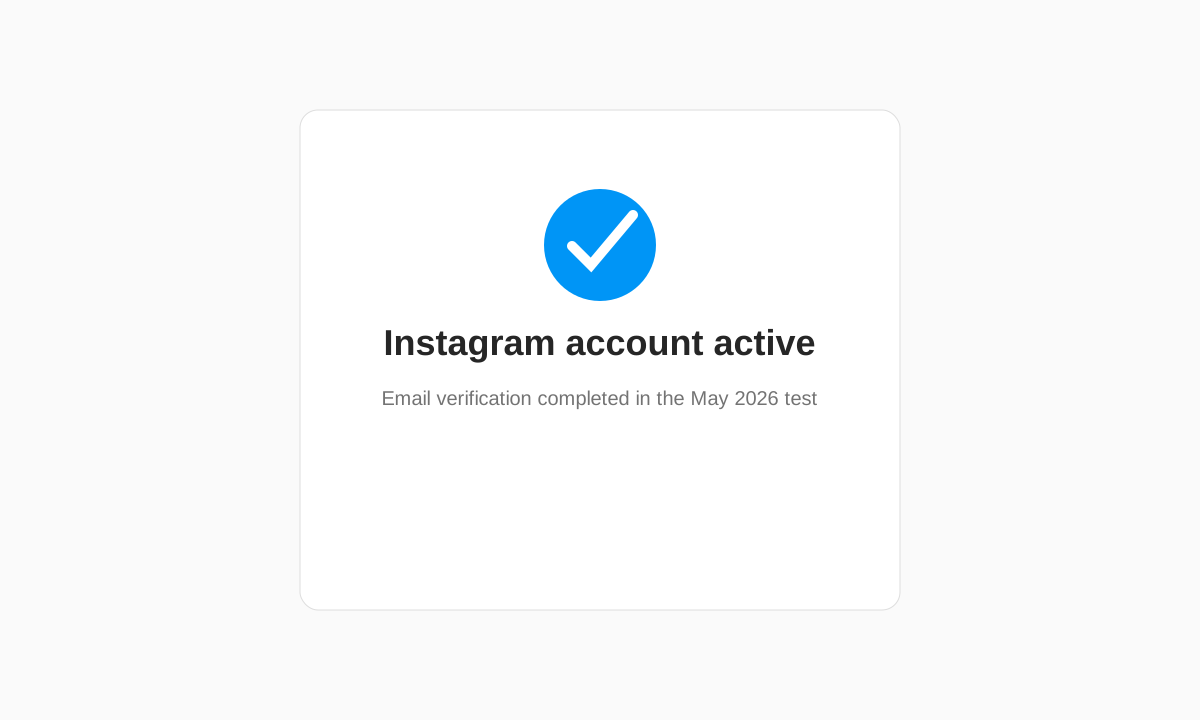
- Enter the code and confirm the account is active.
Which Temp Email Domains Instagram Blocks (May 2026 Test)
| Domain tested | Result | Error shown |
|---|---|---|
| FireTempMail rotating domain | Passed | Verification email received |
| FireTempMail Gmail-style address | Passed | Verification email received |
| @mailinator.com | Blocked | "This email is not accepted" |
| YOPmail-style public domain | Blocked | "This email is not accepted" |
| Older generic temp domain | Varied | Sometimes rejected |
| Clean lesser-known temp domain | Passed | Verification email received |
The failed @mailinator.com result was the clearest. Instagram showed the rejection immediately, which means the domain is known to its signup filter. FireTempMail passed because the tested domain had cleaner reputation and was not on that blocklist at the time of testing.
I counted a pass only when the account reached the active state after email verification. A domain that merely avoided the first error but never received the code did not count.
Instagram-Specific Issues and Fixes
If the verification email is slow, wait about a minute before requesting another code. Multiple rapid resends can create more friction. If Instagram asks for phone verification after email, temp email will not avoid it. Phone prompts are usually triggered by device, IP, or signup behavior.
For Instagram shopping or business accounts, do not use temp email. You may need long-term recovery, Meta support messages, and business verification. Use a real email or durable alias instead.
If the verification email is slow, check that you copied the address correctly. Instagram codes usually arrive quickly when the domain is accepted. A delay longer than a couple of minutes often means the platform did not send the message or the address was mistyped.
What To Do If Instagram Blocks Your Temp Email
Generate a different FireTempMail domain, try temp Gmail, or switch between web and mobile app signup. If every disposable domain fails, use a Gmail dot trick or burner email. For the tradeoffs, read how platforms detect temp email and the platform use-case guide.
Do not keep retrying the same rejected domain. Repeated failures can make Instagram ask for more verification. One clean attempt with a better domain is more useful than five attempts with a blocked one.
If Instagram accepts the email but later asks for a phone number, treat that as a separate risk check. Switching to another temp email may not help because the trigger may be your browser, device, IP address, or signup pattern.
Use temp email for low-stakes Instagram testing or separating a casual account from your main inbox. Do not use it for an account with followers, paid promotions, business assets, shopping, or creator tools. Losing the inbox later can make recovery difficult.
The best low-friction path in my test was FireTempMail with a fresh browser session. The worst path was repeatedly trying old public disposable domains that Instagram already knows.
If you are signing up on mobile, copy the temp address before opening Instagram so you can paste it without switching repeatedly. If you are signing up on desktop, keep both tabs visible. Small workflow details matter because verification codes do not stay useful forever.
Instagram may also challenge accounts later, especially if the account starts following many people quickly or posting repetitive content. That later challenge is not solved by temp email. It is account behavior.
So the honest answer is: temp email works for Instagram signup, but it is only one part of the trust system.
Use it for privacy at signup, then decide quickly whether the account is disposable. If the account becomes important, change the email to something durable while you still have access.
Do that before you lose the inbox or need a password reset later, especially for active accounts.
For a similar social-platform test, see the TikTok temp email guide. You can start from the FireTempMail homepage for a new inbox.
My final recommendation is to treat Instagram temp mail as a short-term privacy tool. It is useful when you do not want your real inbox tied to a casual signup. It is risky when the account has value. If you keep the account, switch to a permanent email while the temp inbox is still open.
FAQ
Can I sign up for Instagram with temp mail?
Yes, if Instagram accepts the domain.
Which temp email worked for Instagram?
FireTempMail passed in my May 15, 2026 test.
Why does Instagram reject some temp emails?
It blocks domains associated with spam, automation, and disposable inbox abuse.
Can temp email avoid phone verification?
No. Phone verification is separate from email verification.