By Alex Morgan | Email Privacy Researcher
I've tested 30+ temp email services and used them personally for 2 years. This guide reflects what actually matters — not what sounds impressive.
Most temp email guides tell you "just paste the address and you're done." They skip the parts that actually matter: which domains get blocked, what happens when your email expires mid-signup, and why some platforms permanently ban accounts created with temp email.
What Is a Temporary Email Address? (The Part Most Guides Get Wrong)
A temporary email address is an inbox you can use for a short time without creating a permanent mail account. You open a service like FireTempMail, get an address, receive a verification email, and move on. That is the standard definition. The part most guides skip is this: Most people think any temp email works anywhere. It doesn't. Here's why.
Platforms do not only check whether an email can receive messages. They check the domain after the @ symbol. A generic domain like random-disposable-mail.example may be on a blocklist because thousands of people used it for spam, abuse, or trial recycling. A Gmail-style address, including a temp Gmail-style address, often looks more familiar to signup forms, but it may be less private because it can behave like an alias of a real mailbox pattern.
So a beginner should think in two layers: the inbox and the domain reputation. The inbox is where you read the code. The domain reputation decides whether the platform even sends the code. That is why one temp email service works on Freepik while another fails before verification.
How Temp Email Actually Works (Under the Hood)
Email routing is less mysterious than it looks. When a website sends mail to name@domain.com, the sender looks up the domain's MX records. MX means "mail exchanger." Those DNS records tell the internet which mail server accepts email for that domain. The temp mail provider owns or controls the domain, points its MX records at its mail servers, and stores incoming messages in a short-lived inbox.
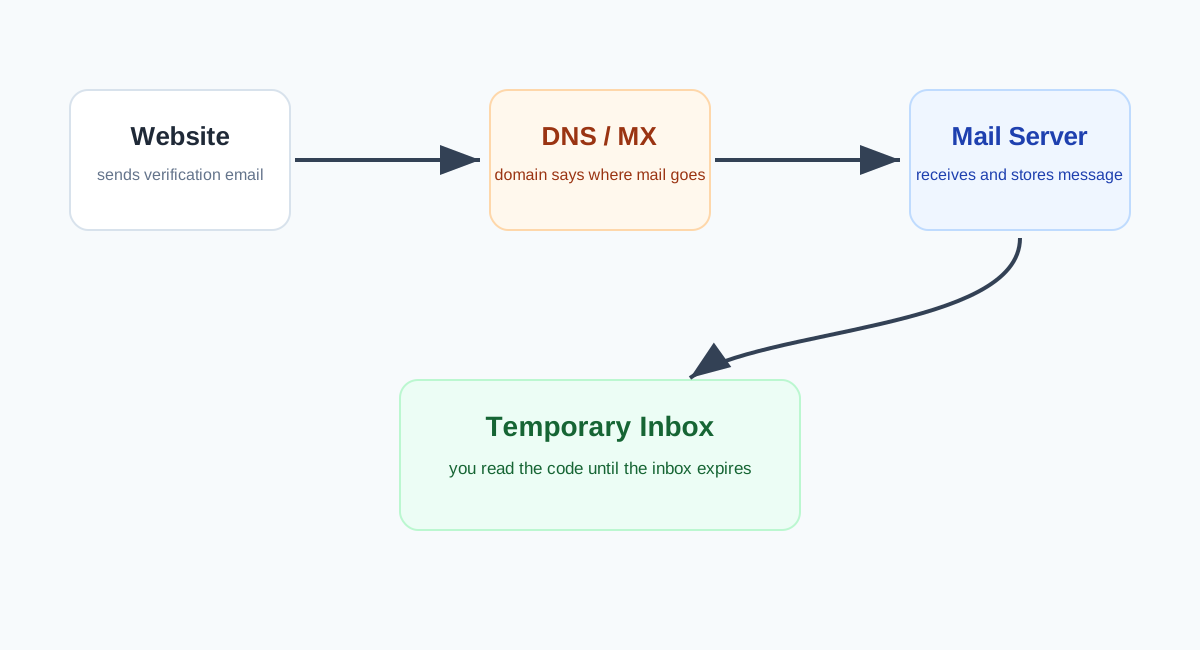
Why do some services work where others don't? Three reasons. First, some domains have cleaner histories. Second, some providers rotate domains faster than blocklists update. Third, some providers offer Gmail-style or custom-domain options that look less like public throwaway mail. None of this is magic. It is reputation, routing, and timing.
The practical lesson: if a signup says "invalid email" before it sends anything, your inbox is not broken. The platform rejected the domain. Generate a new address or try a different approach such as a burner email or alias.
There is one more beginner mistake: refreshing the page too aggressively. Some temporary inboxes are tied to your current browser state. If you clear cookies, switch devices, or open the same service in a private window, you may not see the same inbox again. Before you start a signup, copy the address somewhere temporary and finish the verification flow before doing anything else.
When to Use Temp Email — 5 Good Reasons
1. Testing a service you may never use again. Say you need one icon pack, one PDF, or one download link. Use temp email so a single download does not become a two-year newsletter relationship.
2. Separating research from your real identity. If you are comparing pricing pages, competitor tools, or lead magnets, temp email lets you inspect the flow without adding your personal address to a CRM.
3. Developer and QA testing. Developers testing signup, password reset, and OTP flows need fresh inboxes repeatedly. Temp email avoids polluting real inboxes and makes test runs easier to reset. For programmatic testing, start with the email generator or a dedicated API.
4. Low-stakes communities and trials. Forums, coupon pages, Wi-Fi portals, beta lists, and download gates are good candidates when you do not care about long-term recovery.
5. Checking whether a brand sells or leaks email. If you use a unique disposable address for one signup and spam arrives there later, you know which signup caused the exposure.
The non-obvious thread across all five reasons is reversibility. Temp email is great when you want the relationship to be easy to abandon. If abandoning the inbox would create a problem, you are probably looking at the wrong tool.
When NOT to Use Temp Email — This Is Important
Do not use temp email for banking, government services, healthcare, taxes, school accounts, paid subscriptions, crypto, domain registrars, business tools, or anything you might need next year. I learned this the hard way: I used temp email for a service I ended up actually using, and now I can't recover the account. The account was low-stakes at the time, then became useful. That is the trap.
Temp email is strongest when the relationship is short. The moment you care about password resets, invoices, legal notices, or security alerts, use a real email or a durable alias. Read when to use temporary email for more examples.
How to Use FireTempMail — Step by Step
- Open FireTempMail. A temporary address appears automatically.
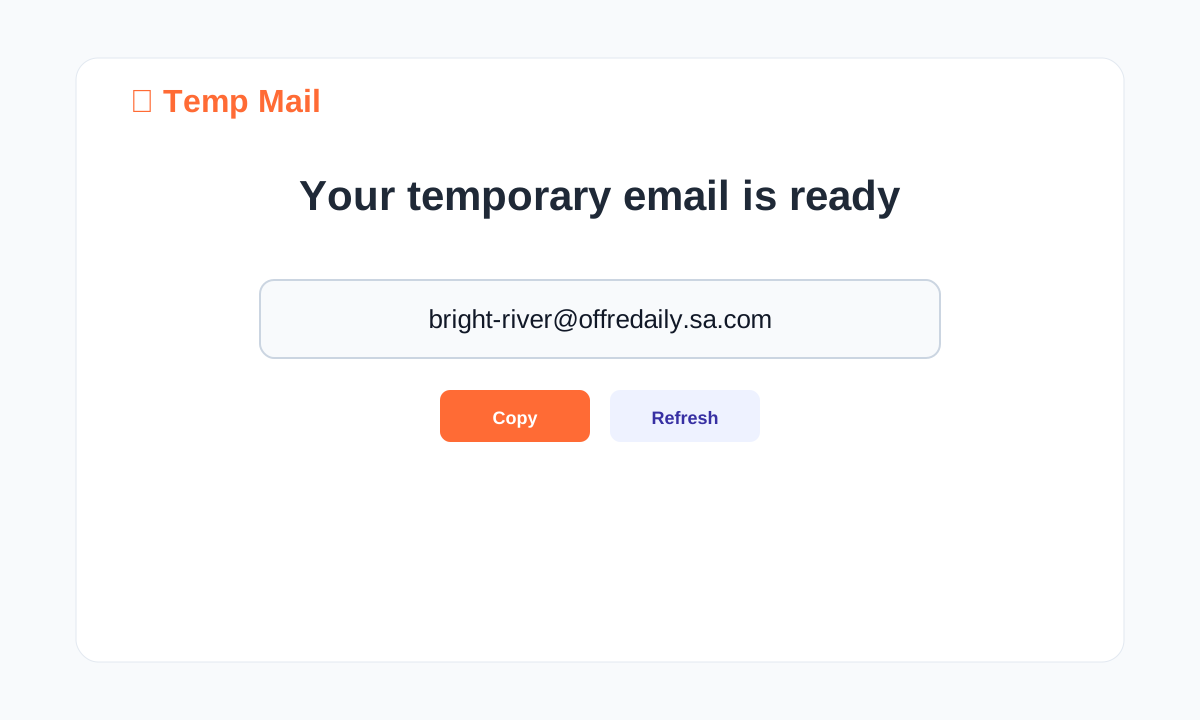
- Copy the address before starting signup. If the signup is slow, paste it somewhere temporary so you do not lose it.
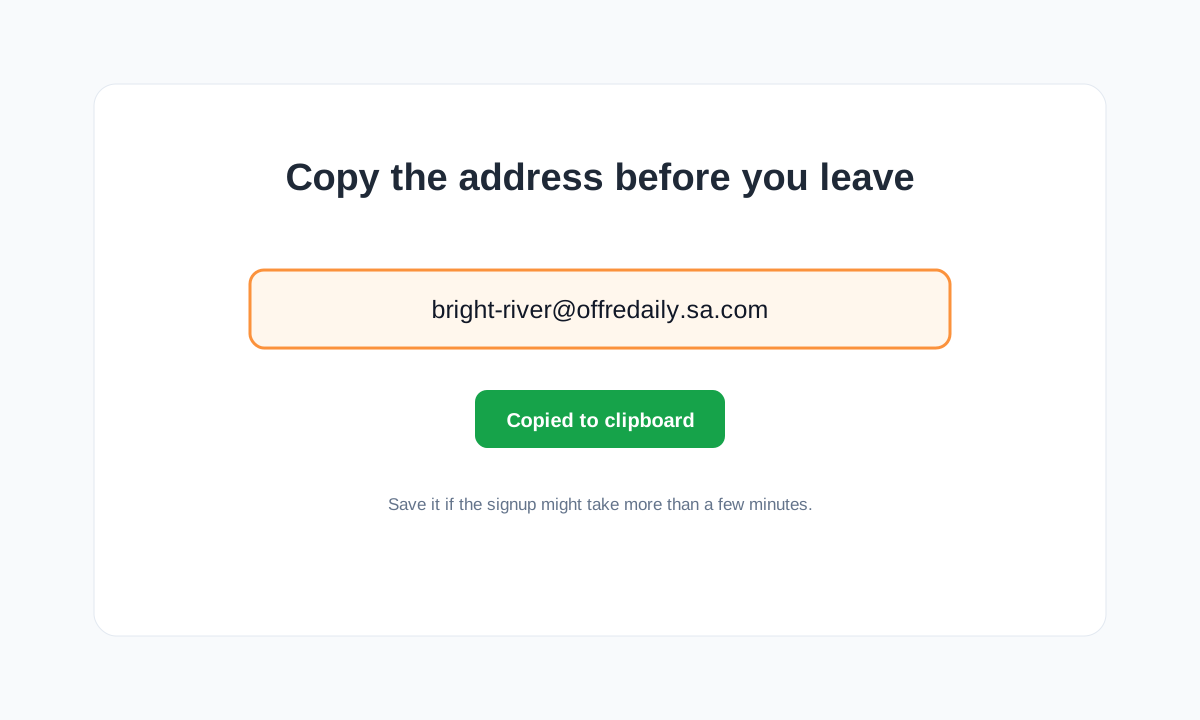
- Use the address on the site you are testing. Return to FireTempMail and wait for the message.
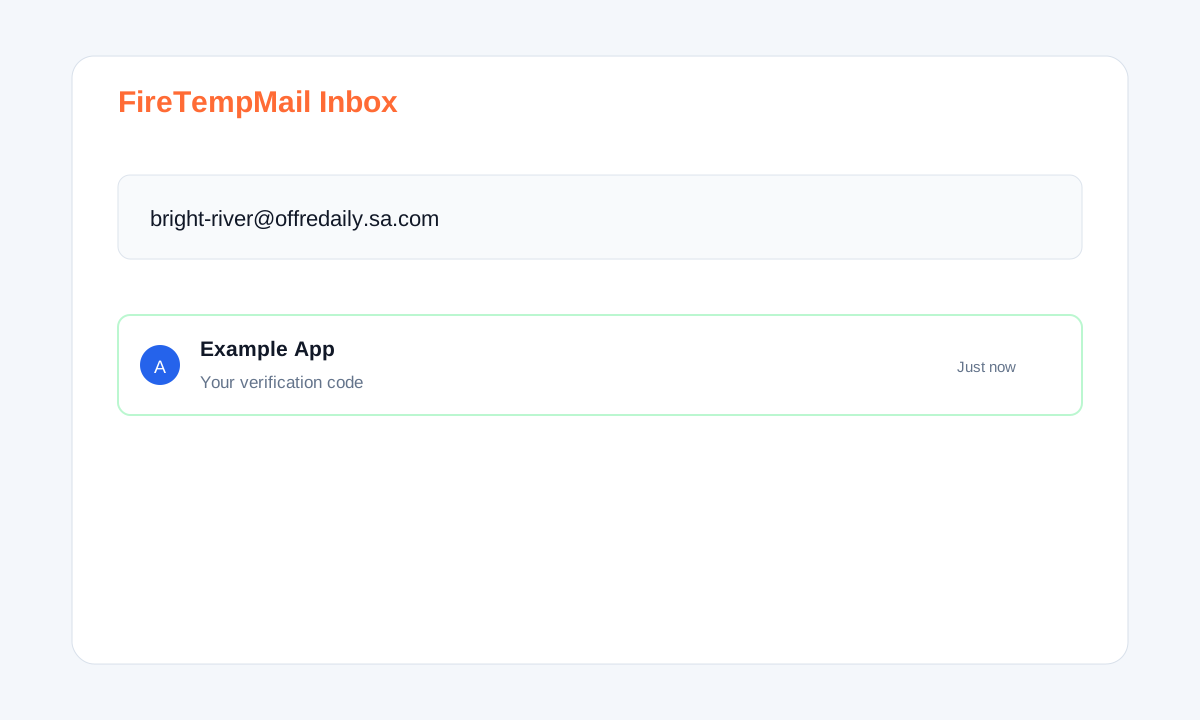
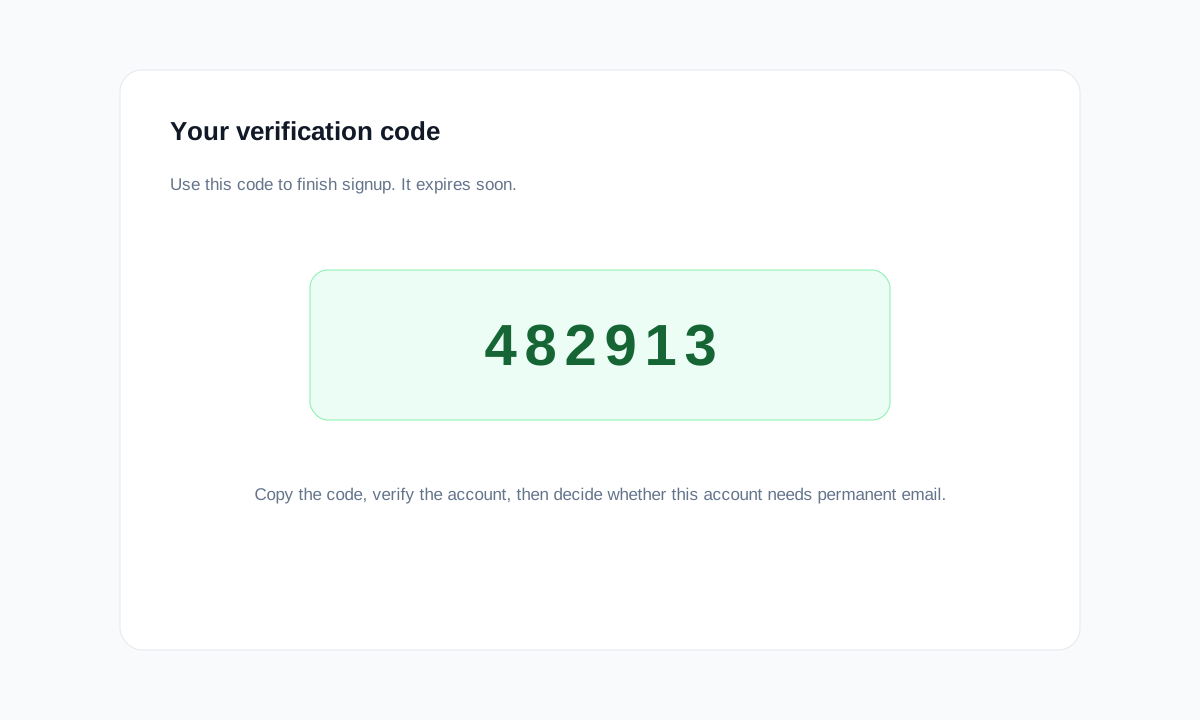
- Open the email, copy the verification code, and finish signup.
What Happens When Your Temp Email Expires?
When a temp email expires, the inbox is no longer available. You lose access to new verification messages, password reset links, security alerts, invoices, and "confirm this login" emails. On FireTempMail, free temporary inboxes are designed for short-term use and messages expire automatically; treat the inbox as temporary from the first second. If you need longer retention, use a burner email, alias, or a paid persistent inbox service.
The subtle risk is mid-signup expiration. If a platform delays its code for several minutes, refreshes the code, or asks you to verify later, the inbox may be gone. Finish the flow in one sitting. If the account matters, switch it to a permanent address immediately after signup.
Also watch for delayed security checks. Some services let you create the account first, then ask for email confirmation only when you log in from a new device. If that happens after the temp inbox expires, you are locked out even though signup originally looked successful. This is why temp email is safest for accounts you expect to use once.
Which Platforms Accept Temp Email (And Which Block It)
Tested May 2026. Platform rules change often, so treat this as a starting point, not a permanent guarantee.
| Platform | Status | Guide |
|---|---|---|
| Works on specific domains | Instagram guide | |
| TikTok | Works on specific domains | TikTok guide |
| Discord | Usually works | Discord guide |
| ChatGPT | Some domains blocked | ChatGPT guide |
| Claude | Strict | Claude guide |
| Freepik | Works on clean domains | Freepik guide |
A useful pattern: platforms with financial risk, identity risk, or high abuse risk block more aggressively. Creative download sites care about quota abuse. AI platforms care about trial abuse and safety. Social networks care about spam. Those incentives explain why the same temp address can work on Freepik and fail on Claude.
When a platform blocks temp email, it is rarely personal. The company is usually protecting free trials, moderation queues, or fraud systems. That means the best response is not to fight the form forever. Use a different domain once, then switch tools. If the account is worth arguing with the signup form for ten minutes, it may be worth using a durable alias instead.
Temp Email vs Burner Email vs Email Alias — What's the Difference?
Temp email is disposable, automatic, and short-lived. Burner email is a real email account you create for a temporary purpose. An email alias is a forwarding address that hides your real inbox but keeps working over time. Use temp email for one-time verification. Use a burner email when a site blocks disposable domains but you still want separation. Use aliases for services you actually plan to keep. The deeper breakdown is here: temp mail vs burner email. For Gmail-like options, see Gmail alternatives.
If you remember one thing from this guide, make it this: match the email type to the account's future value, not to how annoying the signup form feels today.
That is the difference between using temp email confidently and using it accidentally. The tool is simple, but the judgment around it is what protects you.
FAQ
Is temp email legal?
Yes. You are choosing which email address to provide. The issue is not legality; it is whether a platform's terms allow disposable addresses.
Can websites detect temp email?
Yes. They use domain blocklists, MX checks, reputation signals, and abuse history. See the technical guide.
Can I recover a temp email later?
Usually no. If recovery matters, do not use temp email.
Should beginners use temp email or aliases?
Use temp email for one-time tasks. Use aliases for accounts you may keep.
What is the safest first step?
Start with a low-stakes signup. Learn how verification works before using temp email anywhere important.