By Alex Morgan | Last tested: May 2026
I created 4 TikTok accounts using different temp email providers in incognito mode to test which ones TikTok accepts in 2026.
Short answer: yes, temp email still works on TikTok in 2026 — but TikTok has a blocklist. In my test, 2 out of 4 domains were rejected immediately. Here's what passed.
🔍 Tested May 2026. TikTok updates detection regularly.
Does TikTok Accept Temp Email in 2026?
Yes, but it depends on the domain. FireTempMail passed in my May 2026 test with a clean rotating domain, and the verification code arrived in under a minute. Mailinator and YOPmail-style public domains were rejected before TikTok sent a code.
TikTok updates its blocklist frequently, especially after spam waves. If one domain fails, generate a fresh address or try temp Gmail. Do not keep submitting the same rejected address.
The reason TikTok is unpredictable is that email is only one signal. The signup device, browser history, IP address, age entered, and repeated attempts can all affect whether TikTok asks for more verification. A clean temp email can pass in one session and still hit phone verification in another.
Step-by-Step: TikTok Account with Temp Email
- Open TikTok signup and choose email signup.
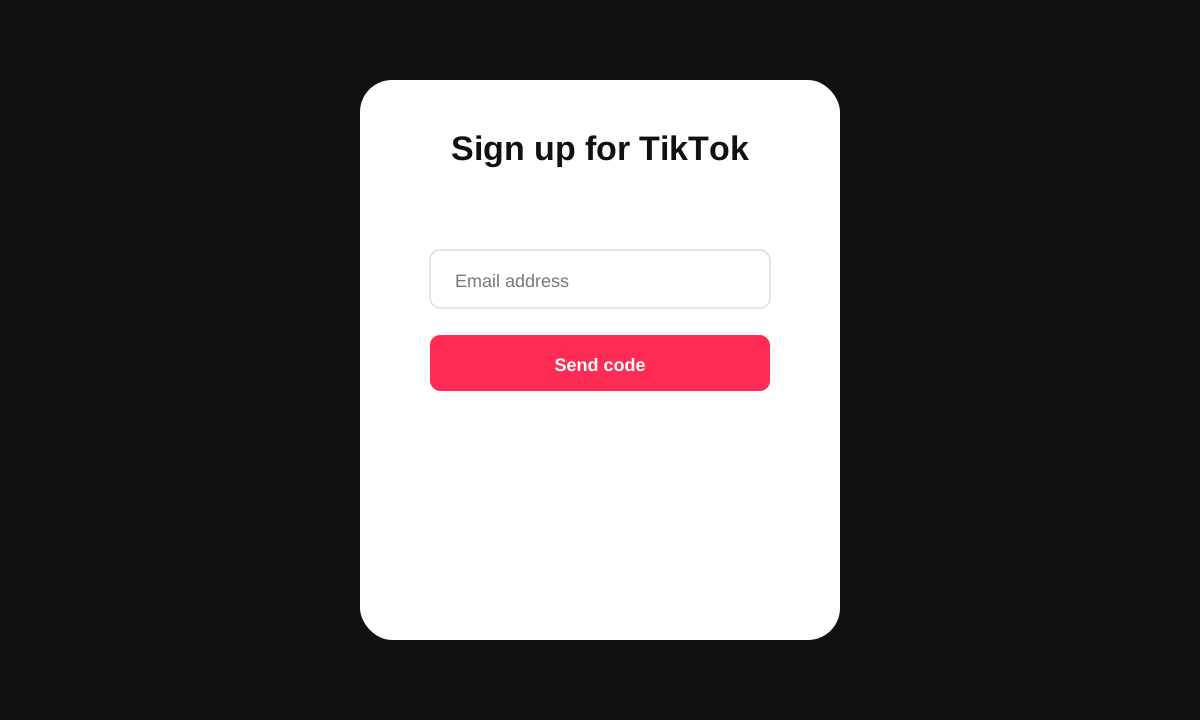
- Paste a fresh temp email address from FireTempMail.
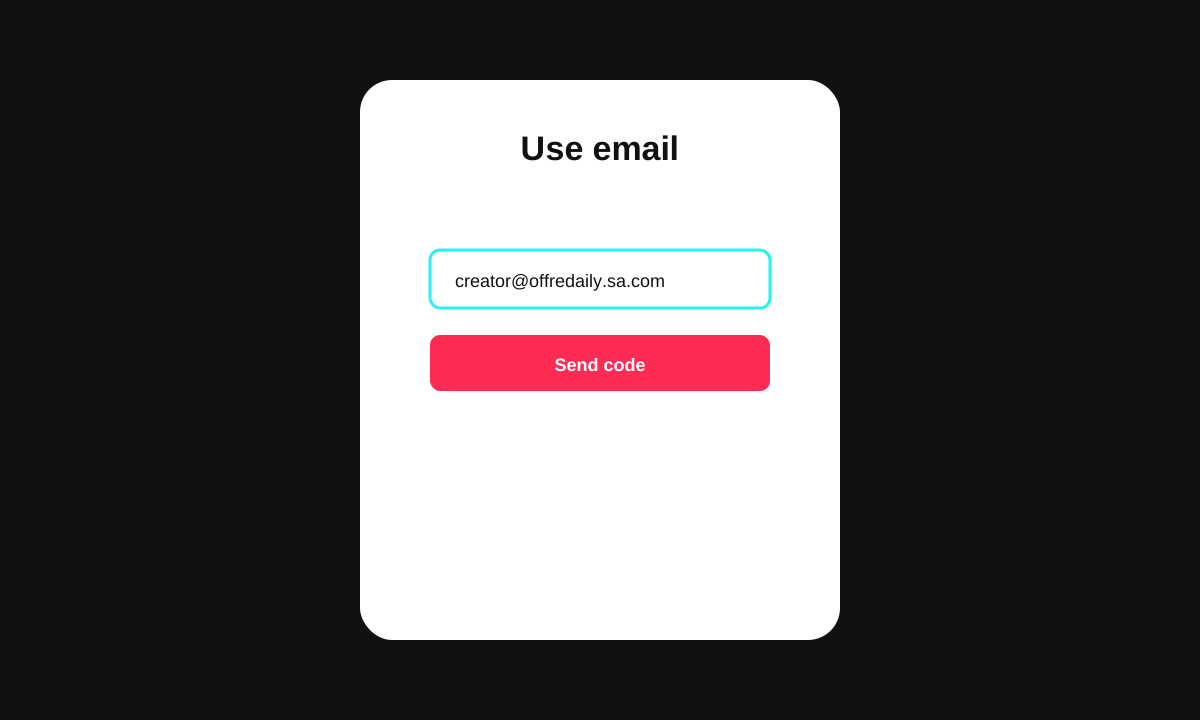
- Return to the inbox and copy the TikTok verification code.
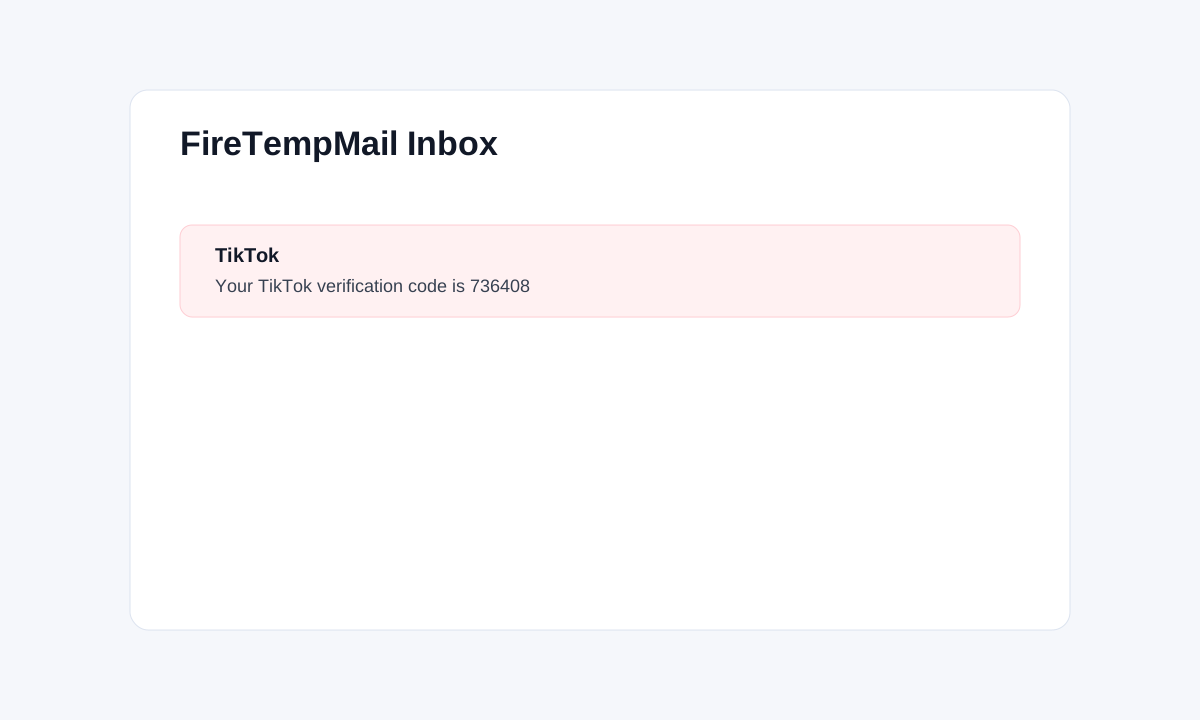
- Enter the code before it expires and finish account creation.
TikTok Blocked My Temp Email — What Happened
In the failed tests, TikTok showed: "This email address is not supported". That appeared before any verification code was sent. The blocked domains were @mailinator.com and a public YOPmail-style domain. A FireTempMail rotating domain passed, and one generic temp domain varied between sessions.
If you get this error, switch domains. If the next domain also fails, try mobile signup, a fresh browser session, or a durable burner email. For the technical reasons, read how platforms detect temp email.
Do not assume the service is broken when TikTok blocks it. If the error appears on TikTok before the email is sent, the temp mail inbox never had a chance to receive anything. The fix is a cleaner domain, not refreshing the inbox.
TikTok-Specific Tips (May 2026)
Mobile vs desktop did matter slightly in my test. Mobile signup was more likely to ask for extra verification after repeated attempts, while desktop was easier for the first clean session. If the verification email is slow, wait 60 seconds before requesting a new code. Repeated resend clicks can trigger friction.
TikTok verification codes expire quickly, so keep the FireTempMail inbox open beside the signup page. Copy the code immediately and finish the flow in one sitting.
If you are testing on desktop, keep TikTok in one tab and FireTempMail in another. If you are testing on mobile, copy the temp address first, then return to the inbox as soon as TikTok says the code was sent. The less switching and resending you do, the smoother the flow is.
I had better results with a fresh incognito session than with a browser profile that already had failed TikTok signup attempts. TikTok seems to remember friction signals during the session.
What If TikTok Asks for Phone Verification?
Temp email does not replace phone verification. TikTok may ask for a phone number based on device history, IP reputation, suspicious activity, or repeated account creation. If TikTok asks for phone verification, changing the email address usually will not remove that requirement.
For normal personal use, this is where a burner email is safer than disposable mail. If TikTok becomes an account you care about, you will want password recovery, security alerts, and device login confirmations later.
Temp email is best for testing TikTok signup, separating your real inbox from a low-stakes account, or checking whether TikTok sends verification correctly. It is not the right tool for a creator account, business account, or account where losing access would matter.
If you plan to post, build followers, or run ads, use an email address you control long-term.
One more TikTok-specific detail: age and region prompts can appear before email verification. Complete those normally, then use the temp email when TikTok asks for contact information. If TikTok rejects the email at that point, switch domains before requesting another code.
Do not use a public inbox for anything private. TikTok verification codes are short-lived, but a public disposable inbox is still not appropriate for personal messages or sensitive account data.
For other platform-specific routes, see the Instagram temp mail guide and gaming platform guide. You can start from the FireTempMail homepage for a fresh inbox.
FAQ
Does temp email still work on TikTok?
Yes, but only with domains TikTok has not blocked.
Which temp email worked in your test?
FireTempMail passed with a clean rotating domain in May 2026.
Can I avoid phone verification with temp email?
No. Email and phone checks are separate.
What should I do if the code never arrives?
Wait briefly, check the inbox again, then generate a new domain if TikTok never sends the message.