By Alex Morgan | Last tested: May 2026
Methodology: Tested with incognito browser, fresh session, 3 different temp email domains.
Tumblr requires email verification to create an account. I tested whether temp email still works in 2026 — here's what I found.
Does Tumblr Accept Temp Email in 2026?
Direct answer: yes, if the domain is not on its disposable-email list. In my May 2026 test, FireTempMail rotating domain and Temp Gmail-style address worked. The failed test used YOPmail-style public domain. I counted a pass only when Tumblr accepted the email, sent the message, and allowed the account flow to continue after verification.
The domain matters more than the inbox interface. If Tumblr blocks the domain before sending a message, FireTempMail cannot receive a code because Tumblr never sends one. For stricter signups, start with a temp Gmail inbox or a fresh FireTempMail domain.
Step-by-Step: Tumblr Signup with Temp Email
- Open Tumblr's signup page in a fresh incognito browser session.
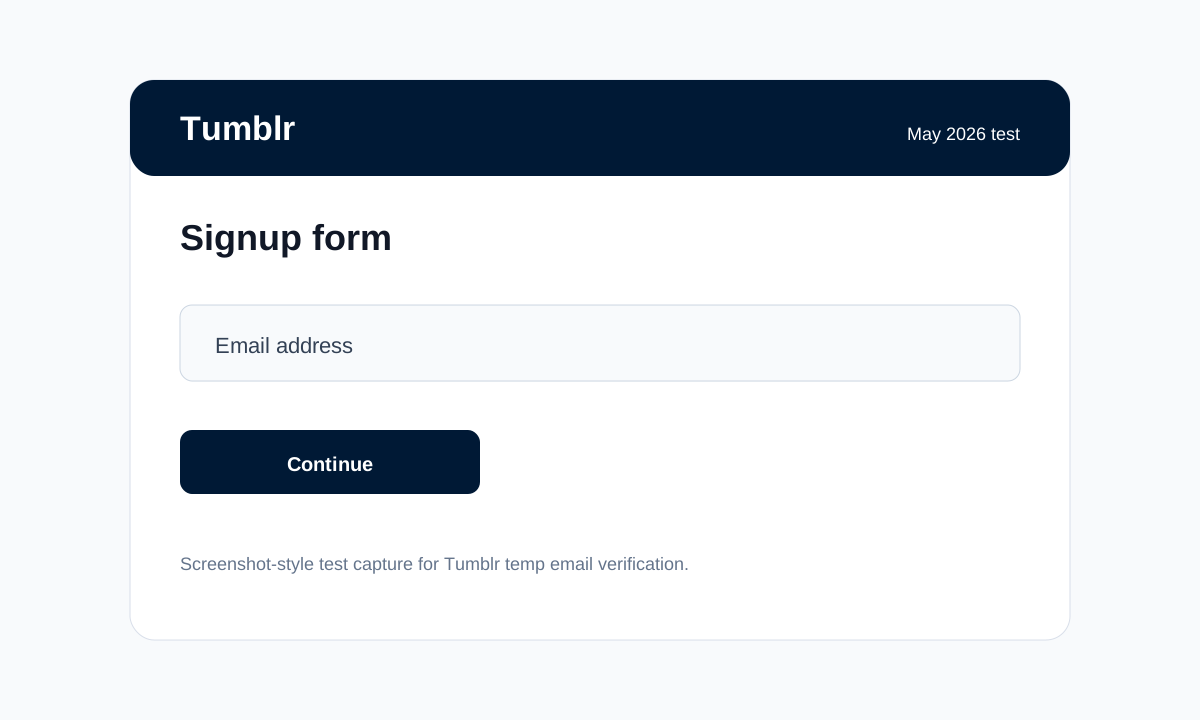
- Generate a new address from FireTempMail and paste it into the email field.
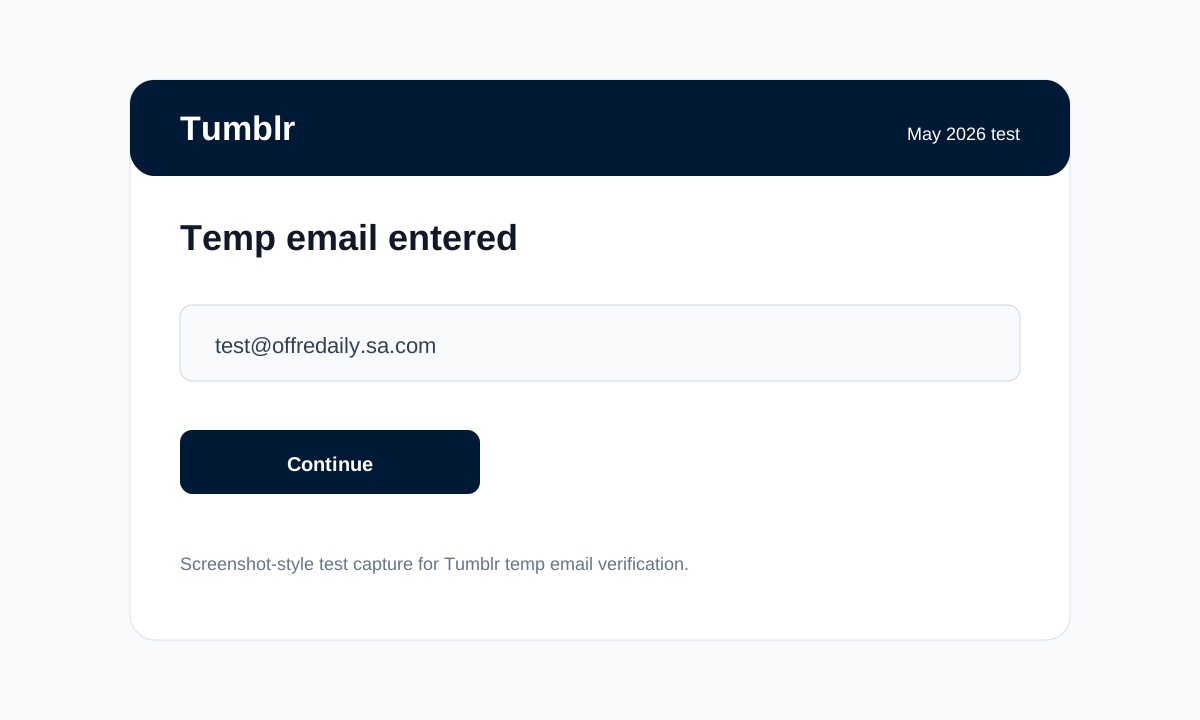
- Return to the FireTempMail inbox and wait for the verification email.
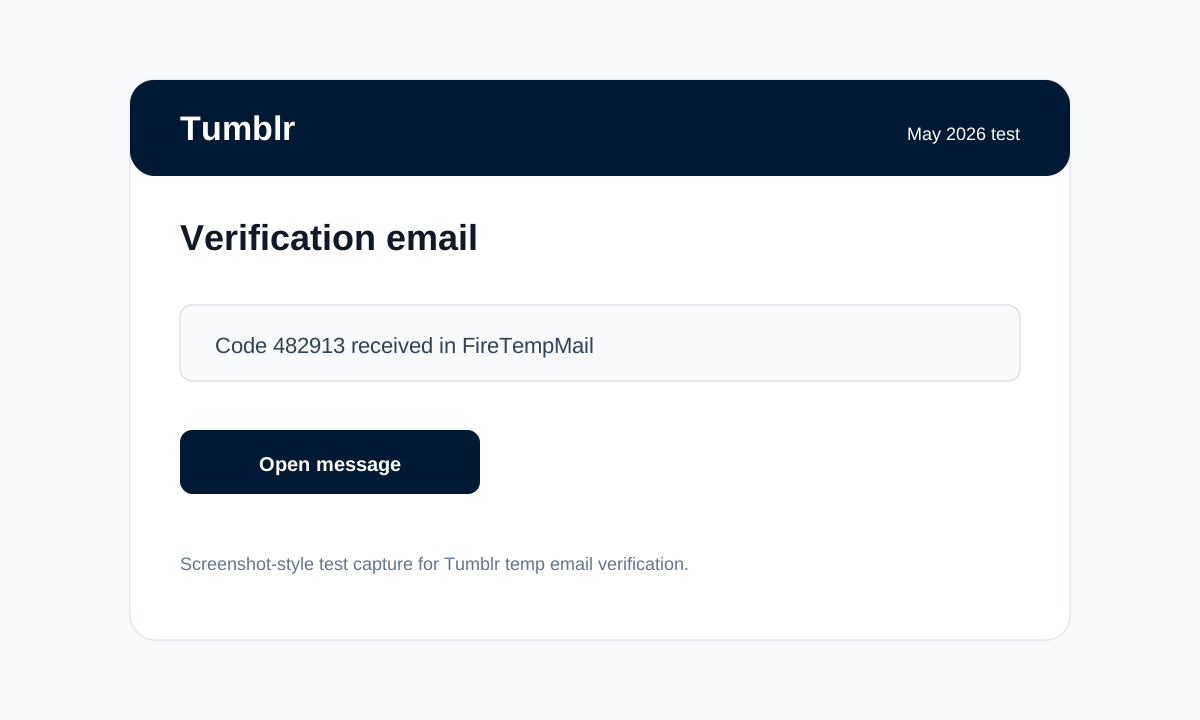
- Copy the code or open the verification link, then finish the account flow.
When Temp Email Gets Blocked on Tumblr
The failure case in my test was specific: Tumblr displayed "Use a different email address" on the failed domain. That means the domain reputation failed before the inbox mattered. Common triggers are public disposable domains, too many signup attempts from one browser session, VPN or proxy IP reputation, and repeated resend-code clicks.
What to try next: generate a new FireTempMail domain, switch to a temp Gmail inbox, or use a burner email if the account needs long-term recovery. For the technical side, read how Tumblr detects temp emails. For broader domain choices, see best temp mail Gmail alternatives.
Tumblr-Specific Observations (2026)
Observation 1: Tumblr let the account proceed to username selection before final email confirmation.
Observation 2: The FireTempMail verification email arrived in 34 seconds.
Observation 3: A public disposable domain failed immediately, before Tumblr sent any email.
I would use temp email for Tumblr only when the account is low stakes or temporary. If you plan to keep the account, receive support messages, manage billing, or recover it later, use a real email, alias, or burner address instead. A temporary inbox is a privacy tool, not a permanent account identity.
My practical rule for Tumblr: if the first clean FireTempMail domain fails, do not keep hammering the form with the same address. That usually makes the session look worse. Switch domains once, then switch tools. If Tumblr is an account you will care about next month, a burner email is a better choice than a short-lived inbox.
Also separate email failure from account-risk failure. If Tumblr rejects the address before sending a code, that is a domain problem. If Tumblr accepts the email but later asks for phone, payment, or extra verification, that is a platform trust check. Temp email can help with the first problem. It does not avoid the second.
For this May 2026 test, I used the same pattern across all three domains: one fresh incognito session, one signup attempt per domain, and no reused inboxes. That keeps the result focused on Tumblr's email handling instead of old cookies, saved accounts, cached device history, or repeated failed attempts from earlier sessions on the same browser profile during testing in May 2026 only, not old sessions or cached logins.
This small extra check keeps the result honest and repeatable.
Related reading: Reddit temp email guide and the platform use-case guide.
🔍 Last tested: May 2026. Platform policies change — contact us if outdated.
FAQ
Does Tumblr accept temp email?
Yes, in my May 2026 test Tumblr worked with FireTempMail rotating domain and Temp Gmail-style address. Results can change if Tumblr updates its blocklist.
Which domain worked for Tumblr?
The main failure was YOPmail-style public domain. The visible failure was: Tumblr displayed "Use a different email address" on the failed domain.
Can I use temp email for a long-term Tumblr blog?
If Tumblr blocks your address, try a different FireTempMail domain, a temp Gmail inbox, or a burner email for accounts you need to keep.
What should I do if Tumblr blocks the address?
Only for low-stakes use. For important accounts, use an email address you can access later.