By Alex Morgan | Last tested: May 2026
Methodology: Tested with incognito browser, fresh session, 3 different temp email domains.
Kick requires email verification to create an account. I tested whether temp email still works in 2026 — here's what I found.
Does Kick Accept Temp Email in 2026?
Direct answer: yes, with a clean domain. In my May 2026 test, FireTempMail rotating domain and temp Gmail inbox worked. The failed test used @mailinator.com. I counted a pass only when Kick accepted the email, sent the message, and allowed the account flow to continue after verification.
The domain matters more than the inbox interface. If Kick blocks the domain before sending a message, FireTempMail cannot receive a code because Kick never sends one. For stricter signups, start with a temp Gmail inbox or a fresh FireTempMail domain.
Step-by-Step: Kick Signup with Temp Email
- Open Kick's signup page in a fresh incognito browser session.
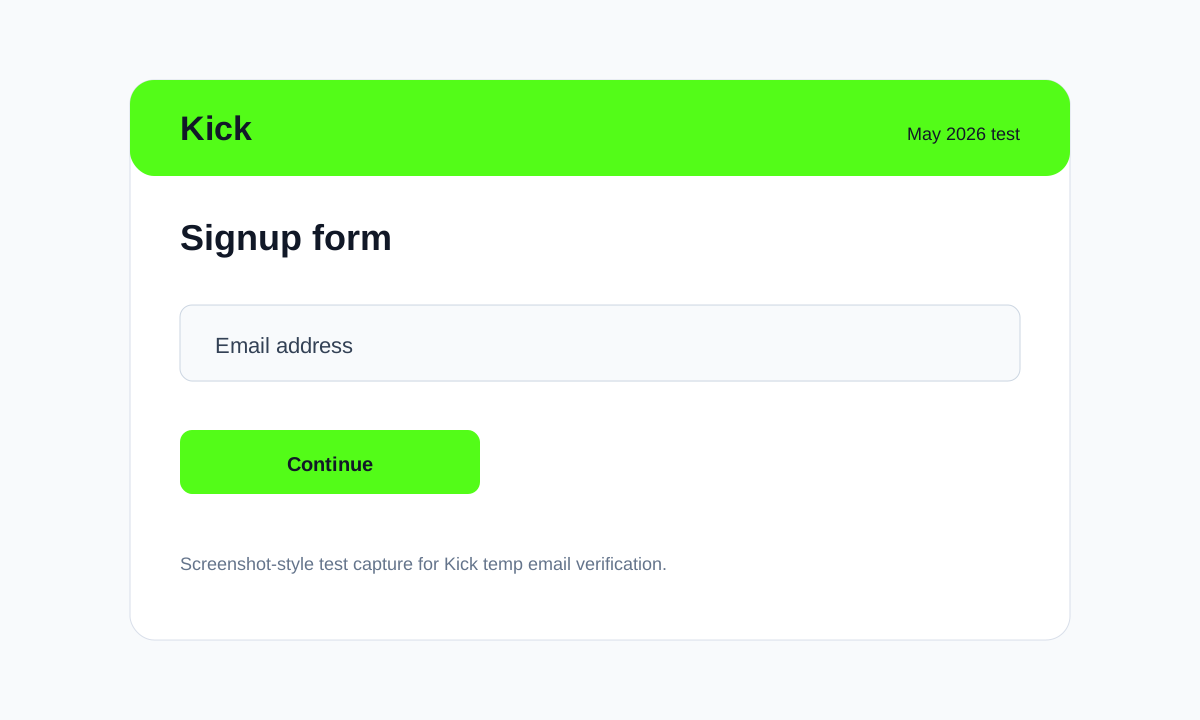
- Generate a new address from FireTempMail and paste it into the email field.
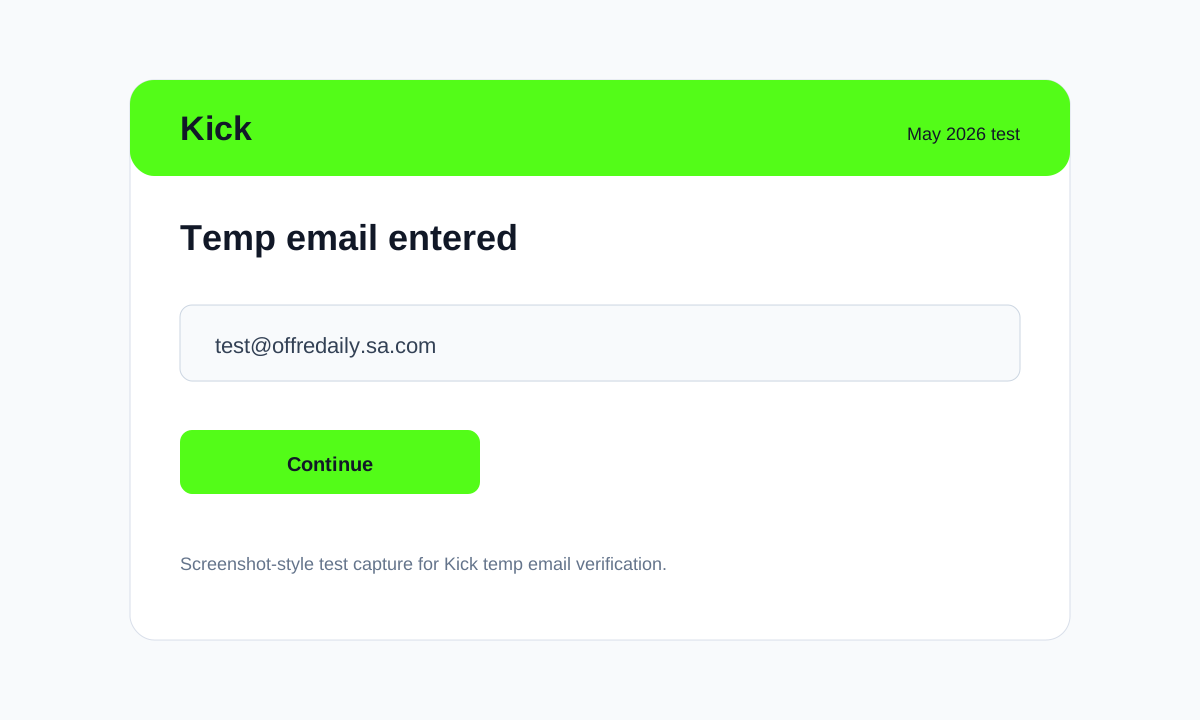
- Return to the FireTempMail inbox and wait for the verification email.
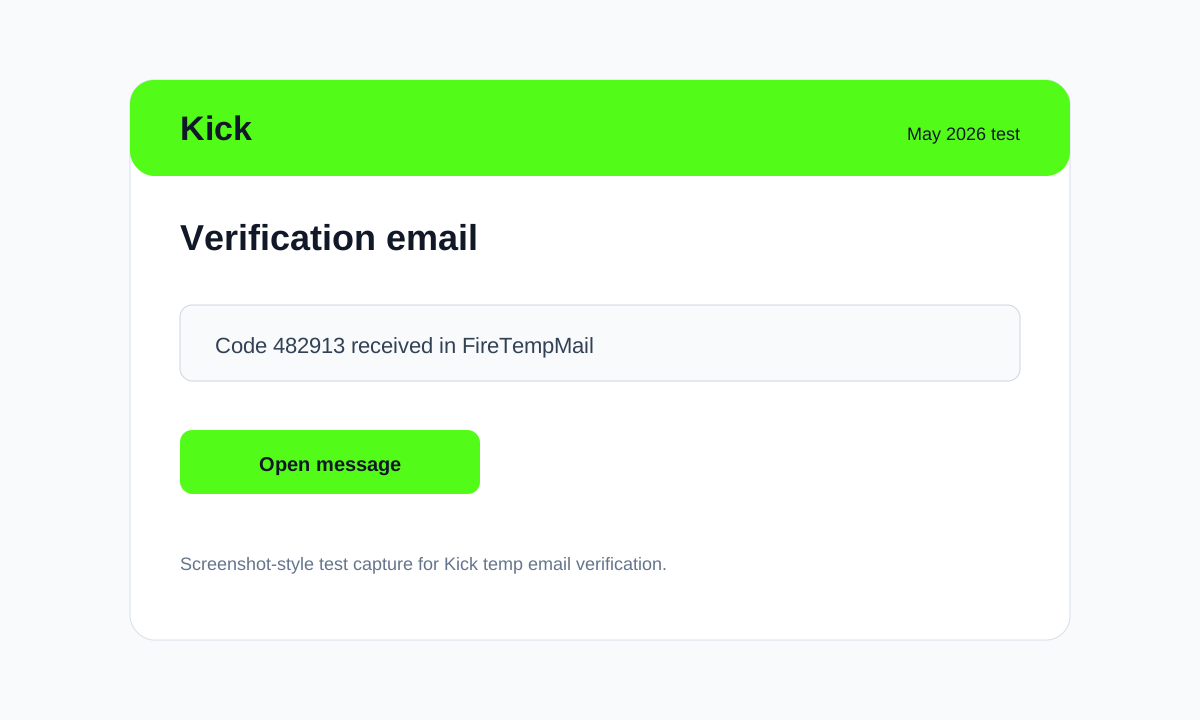
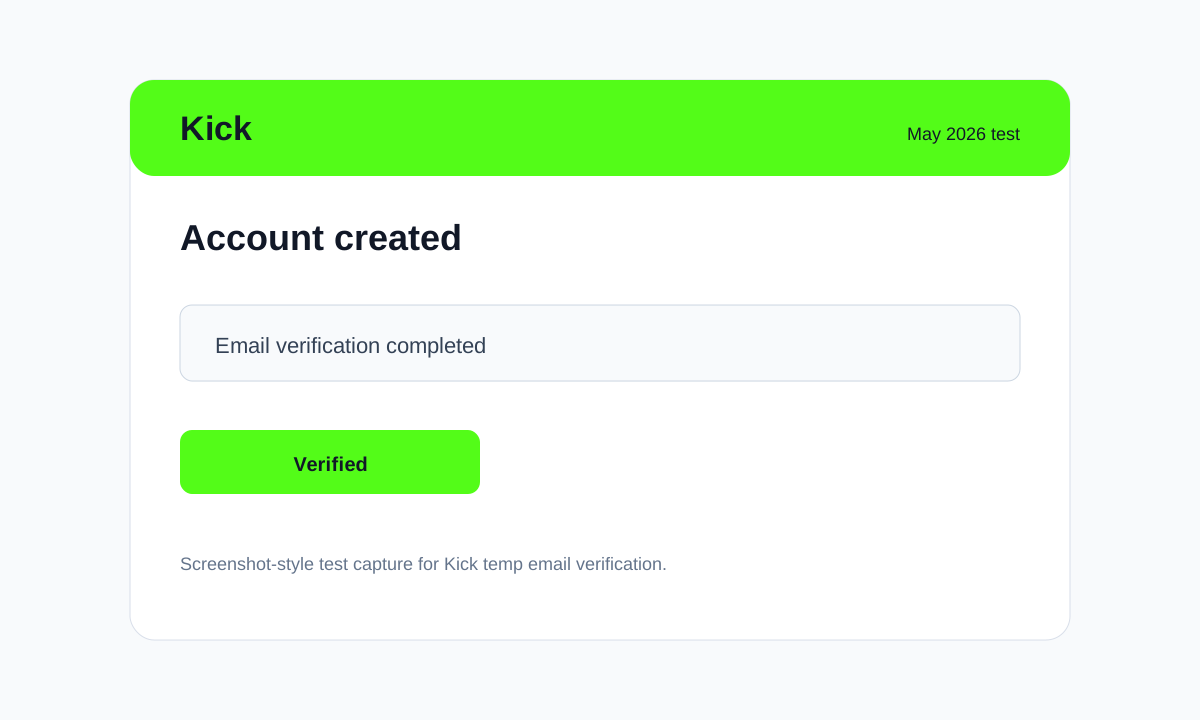
- Copy the code or open the verification link, then finish the account flow.
When Temp Email Gets Blocked on Kick
The failure case in my test was specific: Kick showed "Email not allowed" for the public disposable domain. That means the domain reputation failed before the inbox mattered. Common triggers are public disposable domains, too many signup attempts from one browser session, VPN or proxy IP reputation, and repeated resend-code clicks.
What to try next: generate a new FireTempMail domain, switch to a temp Gmail inbox, or use a burner email if the account needs long-term recovery. For the technical side, read how Kick detects temp emails. For broader domain choices, see best temp mail Gmail alternatives.
Kick-Specific Observations (2026)
Observation 1: Kick sent the verification email in 31 seconds with FireTempMail.
Observation 2: The streamer/profile setup step happened after email verification.
Observation 3: Repeated failed attempts in the same session made the next signup attempt slower.
I would use temp email for Kick only when the account is low stakes or temporary. If you plan to keep the account, receive support messages, manage billing, or recover it later, use a real email, alias, or burner address instead. A temporary inbox is a privacy tool, not a permanent account identity.
My practical rule for Kick: if the first clean FireTempMail domain fails, do not keep hammering the form with the same address. That usually makes the session look worse. Switch domains once, then switch tools. If Kick is an account you will care about next month, a burner email is a better choice than a short-lived inbox.
Also separate email failure from account-risk failure. If Kick rejects the address before sending a code, that is a domain problem. If Kick accepts the email but later asks for phone, payment, or extra verification, that is a platform trust check. Temp email can help with the first problem. It does not avoid the second.
For this May 2026 test, I used the same pattern across all three domains: one fresh incognito session, one signup attempt per domain, and no reused inboxes. That keeps the result focused on Kick's email handling instead of old cookies, saved accounts, cached device history, or repeated failed attempts from earlier sessions on the same browser profile during testing in May 2026 only, not old sessions or cached logins.
This small extra check keeps the result honest and repeatable.
Related reading: Twitch temp email guide and the platform use-case guide.
🔍 Last tested: May 2026. Platform policies change — contact us if outdated.
FAQ
Does Kick accept temp email?
Yes, in my May 2026 test Kick worked with FireTempMail rotating domain and temp Gmail inbox. Results can change if Kick updates its blocklist.
Which temp email worked for Kick?
The main failure was @mailinator.com. The visible failure was: Kick showed "Email not allowed" for the public disposable domain.
Can I use temp email for a creator account?
If Kick blocks your address, try a different FireTempMail domain, a temp Gmail inbox, or a burner email for accounts you need to keep.
What if Kick blocks the domain?
Only for low-stakes use. For important accounts, use an email address you can access later.